
Launch App
Open the live product and follow along.
API Docs
Dive into endpoints when you’re ready to integrate.
CLI Reference
Run scripted local flows for testing and validation.
What You’ll Discover
This page walks you through the live hosted app — no local setup needed. By the end, you’ll understand exactly what users experience and where to integrate programmatically.Frontend Tour — Step by Step
Setup — Generate Your Identity
Open specter-stealth.vercel.app/setup and generate your recipient identity. The app creates your meta-address — a public profile containing your spending and viewing public keys.Your meta-address is uploaded to IPFS and linked to your ENS or SuiNS name so senders can find you by name.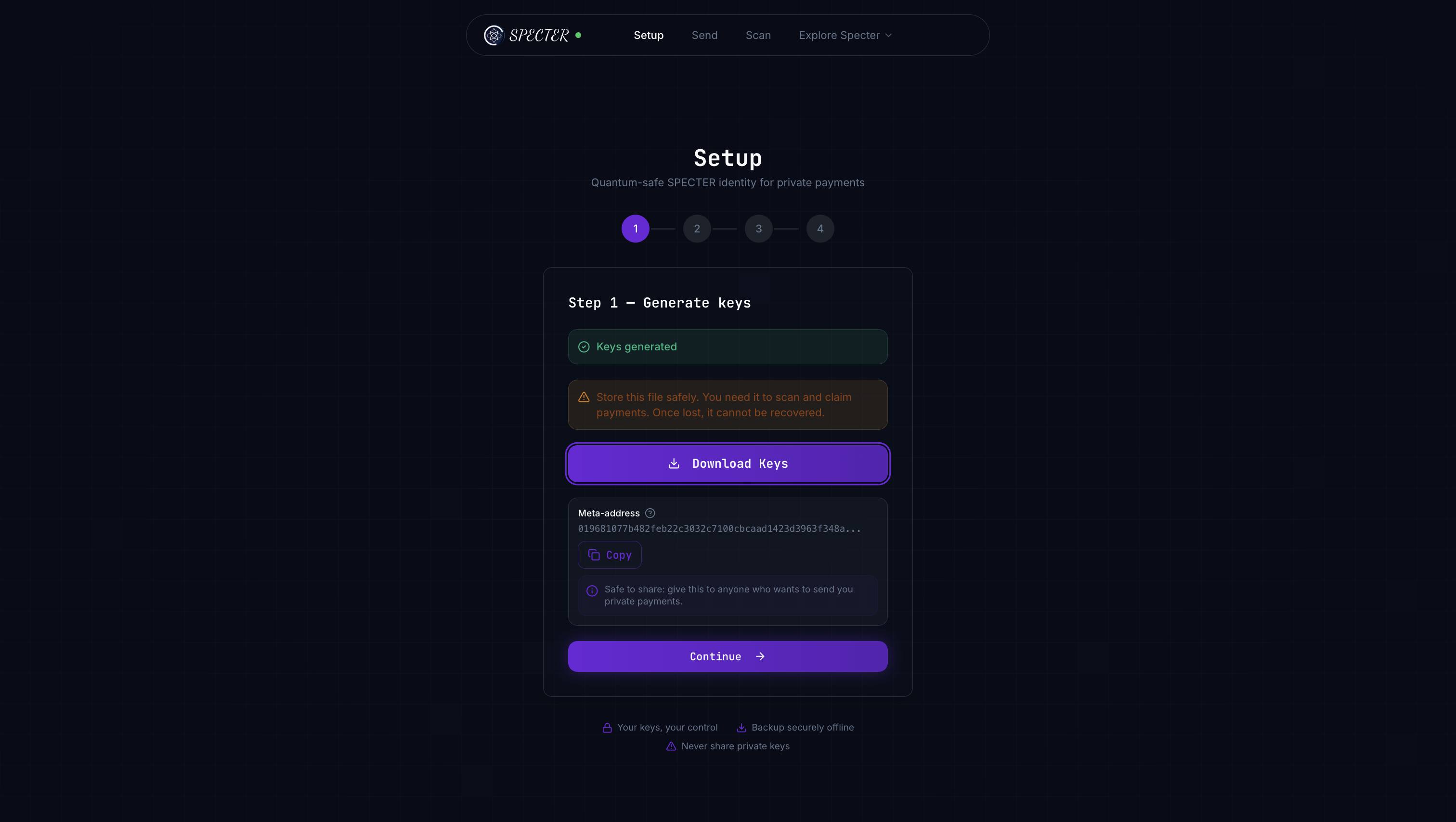
This is a one-time action. Your meta-address is what senders need to create private payments for you.
Send — Create a Stealth Payment
Open specter-stealth.vercel.app/send. Enter the recipient’s ENS/SuiNS name (or paste their meta-address directly). The app creates a one-time stealth address — a fresh destination that only the recipient can discover.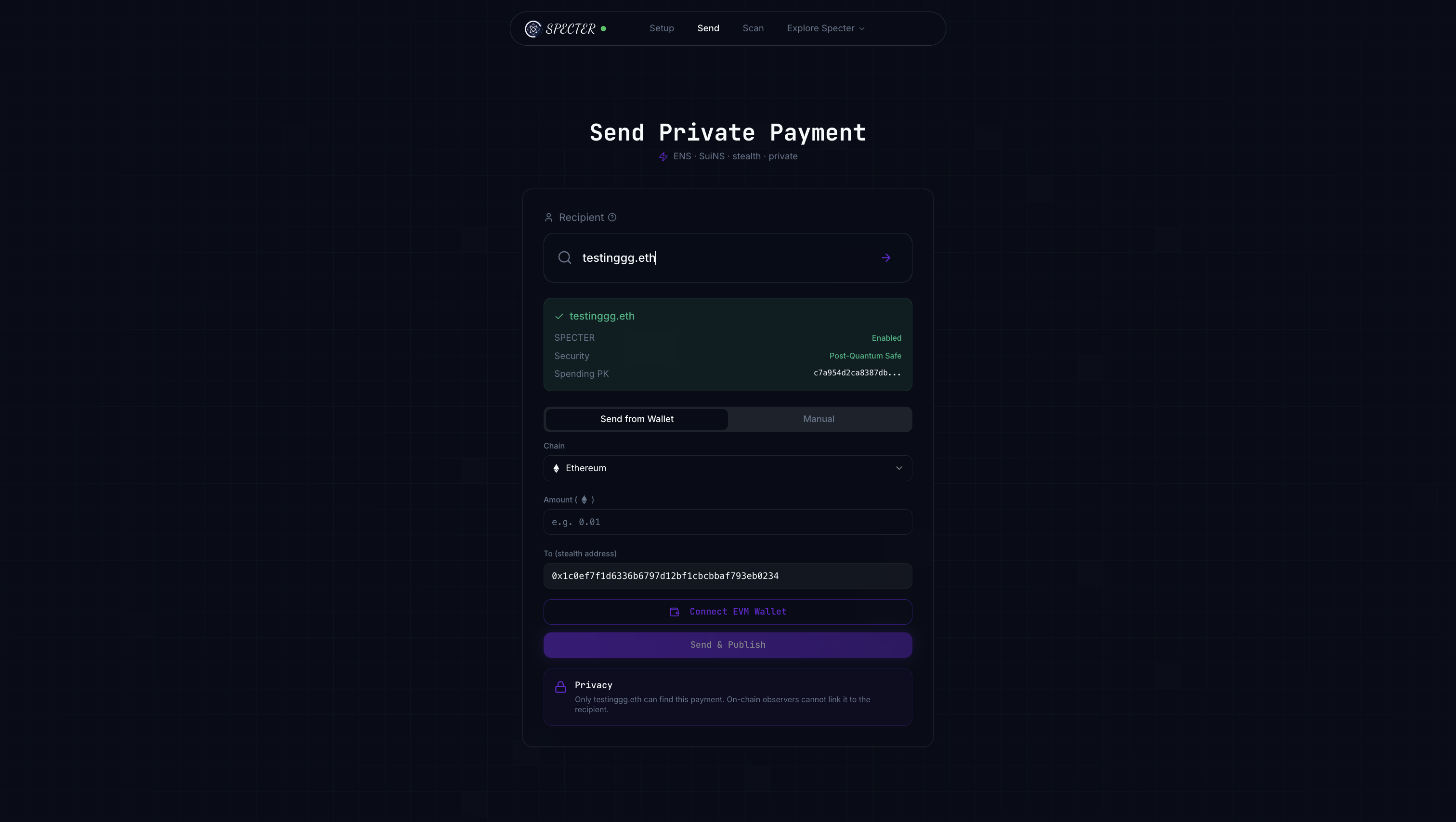
Behind the scenes: POST /api/v1/stealth/create — this is the exact endpoint you’ll call when integrating.
Scan — Discover Your Payments
Open specter-stealth.vercel.app/scan. The app scans all announcements using your private viewing key and reveals only the payments meant for you. View tags filter out ~99.6% of irrelevant entries before decapsulation, keeping scanning very fast.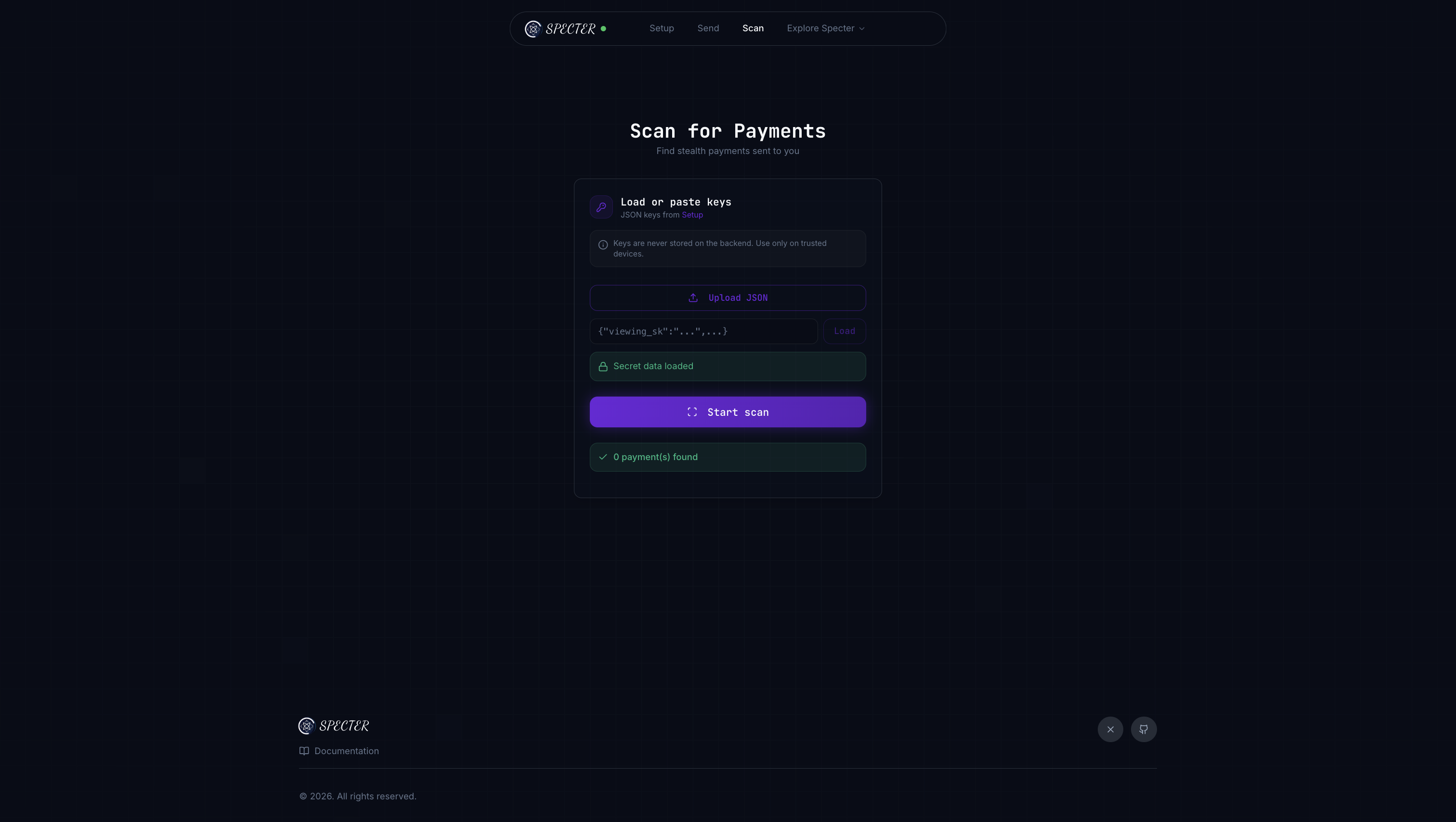
Behind the scenes: POST /api/v1/stealth/scan — recipients call this to discover their payments.
Choose Your Integration Handoff
- Frontend Only
- Frontend + API
- Full Stack
Best for: Product designers, QA onboarding, first-time contributors.Stay fully in the hosted app to understand the user journey and expected outputs. No coding required — just explore, click through, and learn the flow.
Product Flow Map
Quick Reference
This page is product-first on purpose. Stay in frontend mode to understand the experience, then adopt API/CLI only when you need automation.